7 Key Insights Into BleachBit's New TUI for Headless Servers
BleachBit, the popular open-source system cleaner, has introduced a game-changing addition: a text-based user interface (TUI). While the tool has long had a graphical interface and a command-line interface for scripting, the new TUI offers an interactive, keyboard-driven experience that opens up fresh possibilities—especially for headless servers and minimal desktop environments. Here are seven essential things you need to know about this new feature.
1. What Is BleachBit and Why It Matters
BleachBit is a free, open-source utility designed to free up disk space and protect your privacy. It cleans temporary files, browser caches, cookies, logs, and other digital clutter that accumulates over time. Originally built with a graphical user interface (GUI) for mainstream desktop users, it also includes a CLI for automation. The new TUI bridges the gap, offering interactive control without the overhead of a full desktop environment.

2. The New Text-Based User Interface (TUI) Explained
Unlike the classic GUI, which relies on GTK+ and mouse clicks, the TUI runs entirely in the terminal. You navigate using keyboard shortcuts, with limited mouse support. This design keeps resource usage low and makes it accessible over SSH or on systems where a graphical stack isn't installed. The TUI provides the same core tasks—selecting, previewing, and cleaning files—but in a lightweight, text-driven format.
3. Why TUI Over GUI? Lightweight and Dependency-Free
One of the biggest advantages of the TUI is that it removes the need for GTK+ and other graphical library dependencies. On minimal installations, such as servers or embedded systems, adding a full GUI toolkit can bloat the system or cause conflicts. BleachBit's TUI sidesteps this entirely, allowing you to run the tool with just a terminal emulator or SSH session, saving both disk space and memory.
4. Perfect for Headless Servers
Headless Linux servers—those without a monitor, keyboard, or desktop environment—are traditionally managed via command-line tools. BleachBit's CLI works well for batch cleanup, but the TUI adds interactivity: you can visually browse what's being cleaned, mark or unmark specific items, and see file sizes in a navigable interface. This makes remote cleanup sessions far more intuitive without sacrificing efficiency.
5. Interactive Preview and Selection
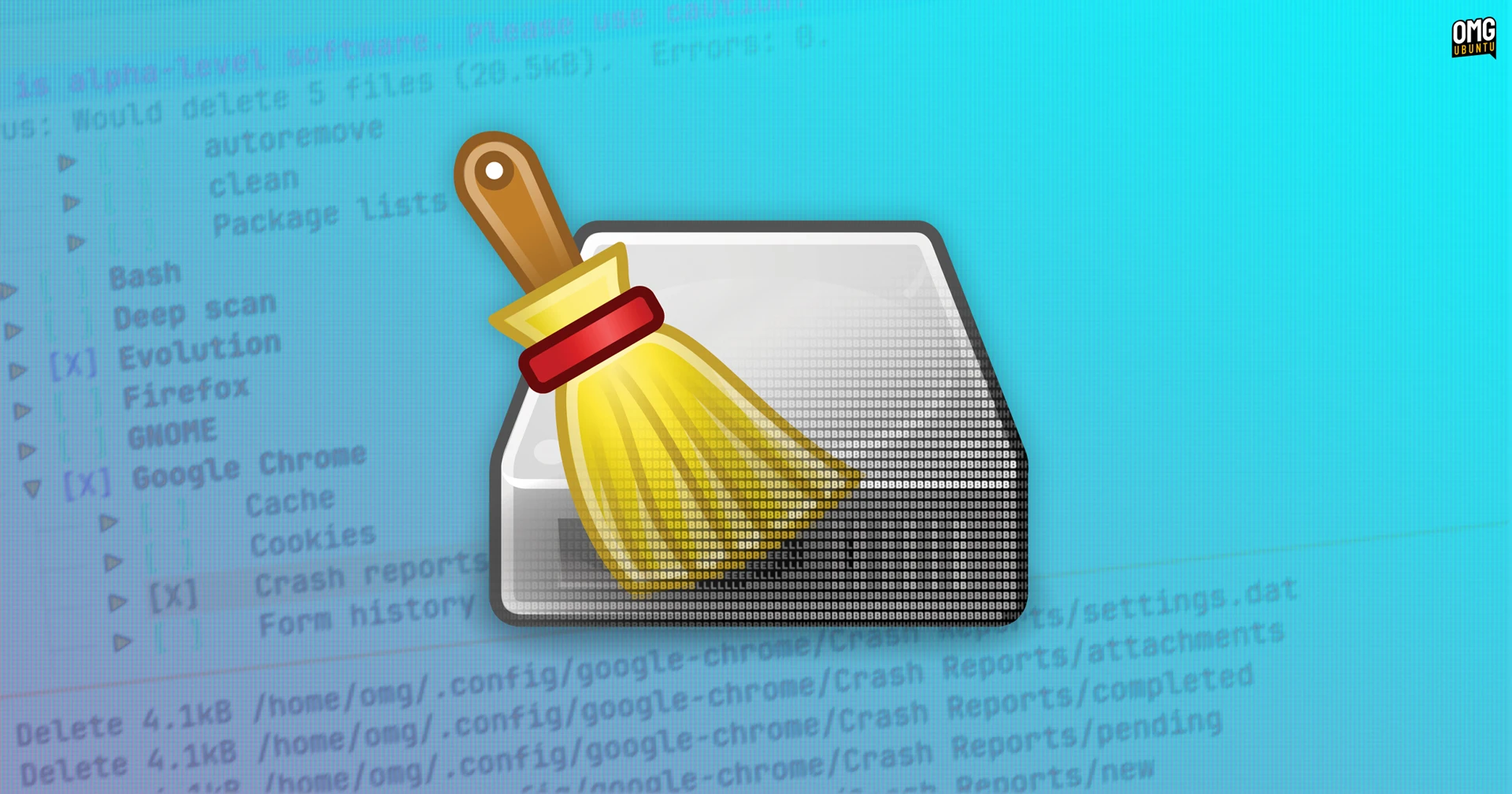
The TUI doesn't just automate cleaning—it lets you preview files before deletion. Using keyboard keys like arrow and space, you can toggle entries, view details, and see how much space each category occupies. This interactivity is a step up from the CLI's non-interactive scripts, giving you fine-grained control without needing to remember complex flags. It's especially useful when you're unsure which junk files to remove.
6. Current Status: Alpha Version
As of now, BleachBit's TUI is in alpha stage. That means it's functional but still undergoing testing and refinement. Early adopters can expect occasional bugs or missing features, but the core cleanup engine is the same reliable backend used in the GUI. Updates are rolling out regularly, and the community is encouraged to report issues to help stabilize it for mainstream use.
7. How to Get Started with BleachBit TUI
To try the TUI, you'll need to install BleachBit from its official repository or build from source with the TUI flag enabled. Once installed, launch it with a command like bleachbit --tui. The interface will appear in your terminal, ready to clean. Make sure you have sudo privileges if you intend to clean system-wide folders. For headless servers, simply SSH in and run the same command.
BleachBit's TUI represents a thoughtful evolution—bringing interactive cleaning to environments where a GUI never made sense. Whether you're managing a remote server, running a lightweight Linux desktop, or just prefer terminal tools, this new option expands the cleanup utility's reach significantly. As development matures, expect even tighter integration and more features tailored for power users.